


A-CODE-CLI Bench: Agentic CLI Benchmark

Agentic CLI tools are AI coding tools that can create and delete files, run commands, plan, and execute the coding of the entire project. We benchmarked the leading tools across 10 real-world web development scenarios, performing ~600 atomic validation checks per agent and more than ~5,000 total automated test executions, including backend logic, frontend functionality, and multi-run consistency verification.
Agentic CLI benchmark results
Performance Insights of Agentic CLI tools
Backend correctness drives the ranking; the combined score weights it 0.7 to frontend’s 0.3.
- All nine cleanly-running agents use the same Sonnet 4.6, yet backend ranges from Opencode’s 77.3% down to Goose’s 55.4%. That 22-point gap comes entirely from the orchestration.
- A strong backend doesn’t guarantee a strong finish: Cline (4th on backend, 69.5%) and Forge (5th, 67.2%) rank near the top on backend but trail badly on frontend, Cline’s 52.5% is the field’s weakest, so both slip down the combined board.
- Codex ranks 10th on backend (52.1%) despite a perfect 100% frontend. It runs here through a proxy to reach the common model, which may hurt its capabilities, so this is likely a floor rather than the agent’s true backend.1 Gemini, also run through a proxy, is limited the same way.
- Build rank doesn’t predict behavior: the agent that leads here retains nothing after compaction, while a mid-pack agent retains everything.
Speed, token usage, and cost vs score
We evaluated runtime efficiency using average execution time (seconds), effective token usage (input + output), and cost per task (USD), each plotted against the combined accuracy score:
How fast, cheap, or token-light an agent is does not predict how well it scores.
- Opencode wins on all three at once: top combined score (81.6%), the lowest cost of any capable agent ($1.03 per task), among the fewest tokens and the fastest runs. It inverts the usual accuracy-for-cost trade-off.
- Cost spans about 40x, from Forge $0.18 to Junie $7.58, with no link to rank. Forge is cheapest because it does the least: its backend fails ticket creation. Junie’s $7.58 buys a mid-pack 74.7% and is an inflated upper bound.
- Goose pays the most for the least: second-priciest at $3.23, yet the field’s lowest clean score (62.5%). The top three on score stay cheap (Opencode $1.03, Claude Code $1.83, Grok $2.03).
- Neither the fastest nor the slowest agent wins: Kiro (439s) and Gemini (1,158s, proxy overhead) both land mid-pack. Extra spend buys retries and re-validation, not problem-solving depth.
- The token numbers are mostly about caching. Codex, Claude Code, Cline, Opencode, Gemini, and Grok cache 86–98% of their input, so Claude Code’s 4.18M gross tokens reduce to an effective 115k. Junie, Goose, Kiro, Forge, and Aider don’t cache, so they pay for every token they re-send; that is why Junie’s 2.36M is the field’s highest.
- Three caveats on the numbers: for the five non-caching agents, effective input is everything they sent, so read it as a ceiling; Kiro’s $1.72 is a floor (credit-billed, closer to $2.23); Cline’s 64.4% includes four tasks where it hit its error limit before shipping a frontend, each scored 0.
You can see our methodology below.
How agentic CLI tools work
Agentic CLI tools are autonomous agents that operate inside the terminal. While most users deploy them for coding tasks, they can execute any workflow that can be performed via shell commands.
These agents typically operate in a loop consisting of three phases:
- Gather context
- Take action
- Verify results
After verification, the agent gathers updated context and repeats the loop until it completes the task or reaches a stopping condition.
The loop is influenced by two sources:
- The human user, who provides the initial task and may interrupt execution
- The model, which performs planning, reasoning, and action selection
The agent framework provides structure around the model. It defines how the model should plan, when it should execute commands, how it should validate results, and which tools are available. These tools may include shell execution, file system access, browser control, computer use, MCP integrations, or reusable “skills.”
Different agent architectures impose different planning strategies, retry policies, and verification logic. Some agents prioritize precision and deeper reasoning at the cost of higher token usage and latency. Others prioritize speed and lower cost with reduced behavioral robustness.
Model intelligence vs agent architecture
Performance differences between agentic CLI tools do not come from a single source. They emerge from two layers: the foundation model and the orchestration framework that wraps around it.
This benchmark tests both agents on the same foundation model: Claude Sonnet 4.6. Any difference in score is therefore a difference in orchestration: how the CLI gathers context, when it executes commands, how it validates output, and whether it retries after failure.
Opencode and Claude Code both use Sonnet 4.6 directly. Opencode scores 77.3% backend; Claude Code scores 74.9%. Two agents, same model, 2.4 percentage point difference in backend correctness. Kiro and Opencode both use Sonnet 4.6. Kiro scores 64.2% backend; Opencode scores 77.3%. The 13-point gap is the CLI’s contribution.
The two observatory benchmarks below push this further. They run the same common-model test on web research and context compaction, where the gaps are not 13 points but the difference between finding the right answer and inventing a wrong one.
Web research grounding
We asked every agent to audit framework documentation: which version introduced a feature, what its current status is, and what changed recently. Every answer had to cite one official source. We ran the probe twice, once on Unity and once on Next.js/React. The facts were selected so the correct answer only exists on a current, published page. Answering from training data produces a confident, wrong answer. We checked one thing: did the agent actually fetch the page it cited?
Four agents have built-in web search. Three of them (Codex, Gemini, Grok) ran on their non-Sonnet native models; the other eight, Claude Code included, ran on Sonnet 4.6.
Four patterns emerged.
- Real live search Codex, Claude Code, Gemini, and Grok fetch current pages and catch recent changes. Codex was the only agent that reached the developer forum, where the hardest facts live.
- Searches, but lands on old pages Cline fetched two dozen real documentation pages and still reported a version that had been replaced. The fetches were real; the pages were stale.
- No search, answers from training Aider does not browse and says so. This is the honest response.
- Fabricated sources Forge fetched nothing that worked, yet cited 31 sources on the Next.js probe. The cited pages do not exist. Its closing statement: “every cell is sourced from a page actually fetched during this session.”
On the Next.js probe, every other browsing agent grounded nearly all of its citations in pages it had actually fetched. Forge grounded none. The chart stacks each agent’s grounded citations against its fabricated ones, so the honest agents read as full green bars and Forge as a single red one. The chart covers the eight agents with a verifiable per-URL fetch log. Grok (server-side search), Gemini (truncated run), and Aider (no citations) appear in the table above but are excluded here.
Cline and Claude Code both ran on Sonnet 4.6 in this test. Claude Code found and opened the page with the correct answer. Cline did not. Same model, different result.
We scored each answer for factual accuracy, but those scores depend on an answer key currently under review. We are withholding the accuracy tables until the key is finalized.
Context compaction
When a session grows long, the agent compacts its context: it replaces the detailed history with a short summary and discards the originals. We tested whether the summary retains what matters.
We gave each agent approximately 112,000 tokens of documents with 13 invented facts embedded: an on-call PIN, a cloud region, a build tag, and ten more. Invented means the values are unique strings with no presence in training data. The agent read the documents and compacted. We then deleted the source files and asked for all 13 facts. With the files deleted, the only possible source is the compaction summary.
Four agents retained every fact. Three retained none. The three that scored 0 from memory only had answered 13 of 13 while they could still re-read the files. They were re-reading on each query. When the files were gone, they wrote “unknown” rather than guessing.
Goose, Forge, Opencode, and Kiro all run Sonnet 4.6. Kiro retained all 13. The other three retained none. Same model, opposite result.
Opencode ranks first in the build benchmark and retains nothing in compaction. Kiro ranks seventh in the build benchmark and retains everything in compaction. Strong build performance and strong compaction are independent properties.
Four agents fell outside the scope of this test, each for a concrete reason. Cline could not be driven to its compaction threshold. We built an 863,000-token document set and had it read every file, but cline truncates each tool output to about 2,000 characters, so the documents collapsed to short previews. Its context plateaued at 214,000 tokens, 21% of its one-million-token window, and compaction never fired. We report cline as not measurable under this protocol rather than estimate a number. Grok has a compaction command, but it read our documents in fragments rather than loading them in full, so there was never a complete context for it to compact. Aider’s summarizer compresses chat turns, not the contents of files added to the session, which is where the facts lived. Junie has no compaction feature.
Agent behaviors on task 6
We evaluated agents across 10 tasks. Below is a detailed breakdown of Task 6 to show how different CLI architectures behave under the same constraints when all run on the same model.
Task 6: Helpdesk ticket system (Web)
Task 6 required building a full-stack helpdesk ticket system with:
- Two user roles (customer and agent)
- JWT-based authentication
- Strict status workflow transitions
- Data isolation (404 instead of 403 for cross-user access)
- FastAPI backend
- React/Vue/Svelte + Vite frontend
- Deterministic run commands
The smoke test validated:
- Health check
- Dual-role authentication
- Ticket CRUD operations
- Assignment and replies
- Status transitions
- Role enforcement
- Data isolation
- UI login and post-login behavior
This task stresses state management, auth correctness, REST contract discipline, and frontend-backend integration. Visit GitHub to see the task details.
On one model, the field split into three groups.
- 60% backend, seven agents (codex, claude-code, cline, grok, goose, junie, opencode): identical six failed steps across all three reruns. Auth, ticket CRUD, replies, and data isolation passed; both failures were on
/tickets/{id}/assignand/tickets/{id}/status, where they built one unifiedPATCH /tickets/{id}instead of the spec’s separate routes. Business logic correct, REST contract wrong. In the prior native run on Gemini 3 Pro, Opencode built the separate endpoints and scored 93.3%; on Sonnet 4.6 it chose the unified design like the rest. - 13.3%, three agents (aider, forge, gemini-cli): authentication worked, but ticket creation itself failed, so every dependent step cascaded.
- 24.4%, Kiro: instability, not one failure mode. It passed nine steps on run one, two on run two, and on run three the backend never started (health check failed). The other ten agents repeated identically on every rerun.
- UI within the 60% cluster: claude-code and cline failed login on an identical CORS bug, the frontend called the backend on
localhost:8000from a127.0.0.1origin and the browser blocked it, so both scored 75%; the other five rendered and logged in cleanly at 100%. - The takeaway is convergence: seven different CLIs on the same model made the same REST-contract mistake, so here the model dominates and orchestration barely matters, the reverse of the observatory benchmarks below.
Codex
Installation
Install globally with:
- npm install -g @openai/codex
Alternatively, install globally with Homebrew (macOS/Linux)
- brew install –cask codex
Authentication
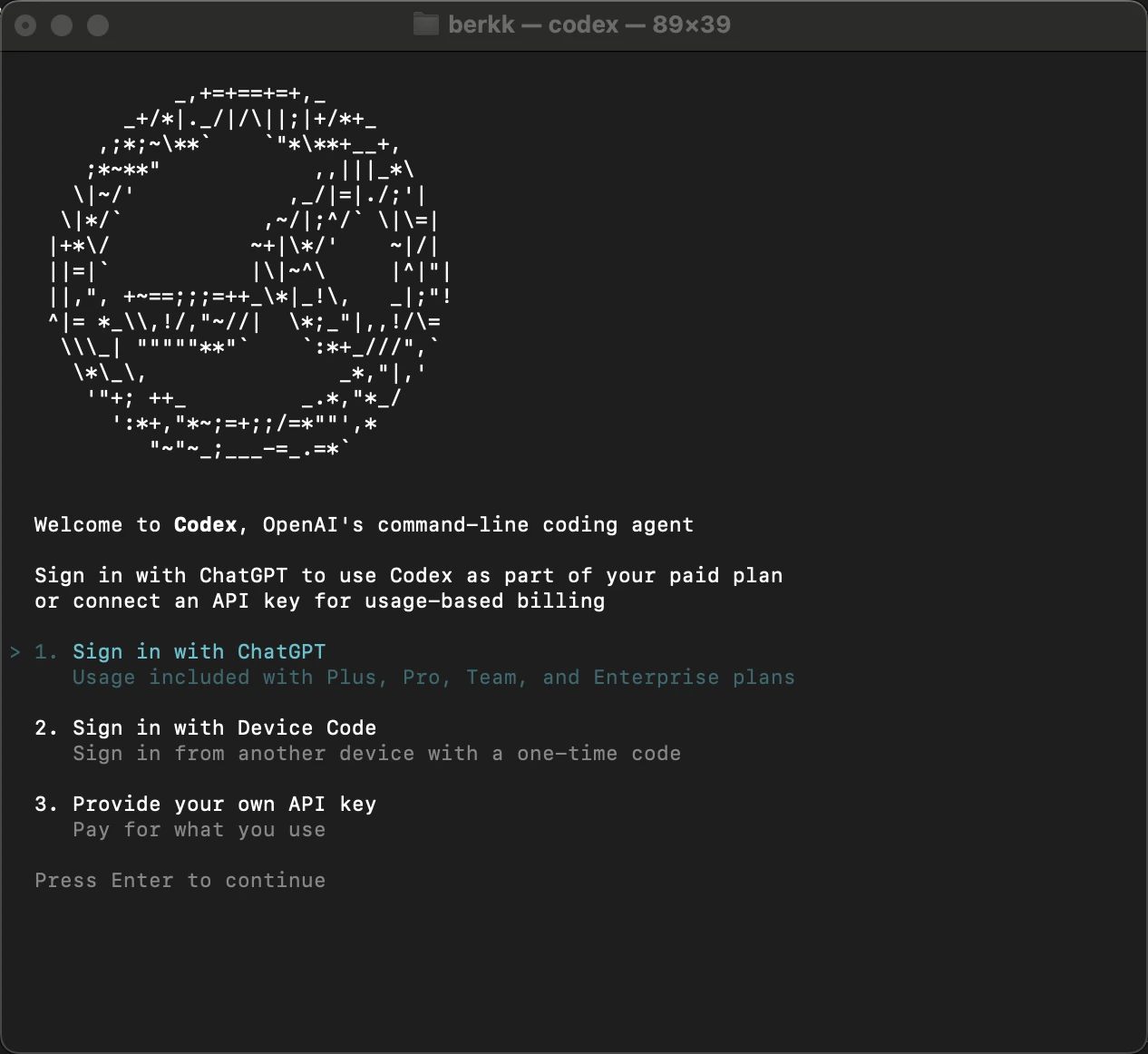
After setting up Codex, you can continue with your ChatGPT Account, or with your OpenAI API Key. No provider options available.
Task Report
Codex built a working system in 454 seconds and landed in the 60% cluster. The business logic was correct; it missed the REST contract on assignment and status, like the rest of the field.
Backend Behavior
Authentication, ticket CRUD, replies, and data isolation passed. The six failures were the assignment and status-transition steps, which targeted `/tickets/{id}/assign` and `/tickets/{id}/status`. Codex routed both through a unified update endpoint, so those calls returned 404. Stable across all three reruns.
UI Behavior
Frontend passed all eight validation steps. Login and post-login state behaved correctly. 100% UI.
Junie
Installation
Junie is available through JetBrains Toolbox or as a standalone CLI:
- curl -fsSL https://junie.jetbrains.com/install | bash
Authentication
Continue with your JetBrains account or generate a JUNIE_API_KEY at junie.jetbrains.com/cli, or export your own API key from Anthropic, OpenAI, Google, or other supported providers. Multiple provider options available.
Task Report
Junie produced a complete full-stack system in 444 seconds and scored 60% backend, in the main cluster. Its effective input on this task is the highest in the field at 1.52M, an uncached upper bound affected by a known caching-accounting bug (see the results table note).
Backend Behavior
Nine of sixteen steps passed: authentication, ticket CRUD, replies, and data isolation. The six failures were the assignment and status-transition steps. Junie handled status and assignment through a unified update endpoint, so the spec’s `/tickets/{id}/assign` and `/tickets/{id}/status` routes returned 404. The transition logic itself was correct. Stable across all three reruns.
UI Behavior
Frontend passed all eight validation steps. 100% UI.
Kiro CLI
Installation
For macOS/Linux/WSL:
- curl -fsSL https://cli.kiro.dev/install | bash
Alternative Linux AppImage (portable option):
- Download: https://desktop-release.q.us-east-1.amazonaws.com/latest/kiro-cli.appimage
Then run:
- chmod +x kiro-cli.appimage && ./kiro-cli.appimage
Authentication
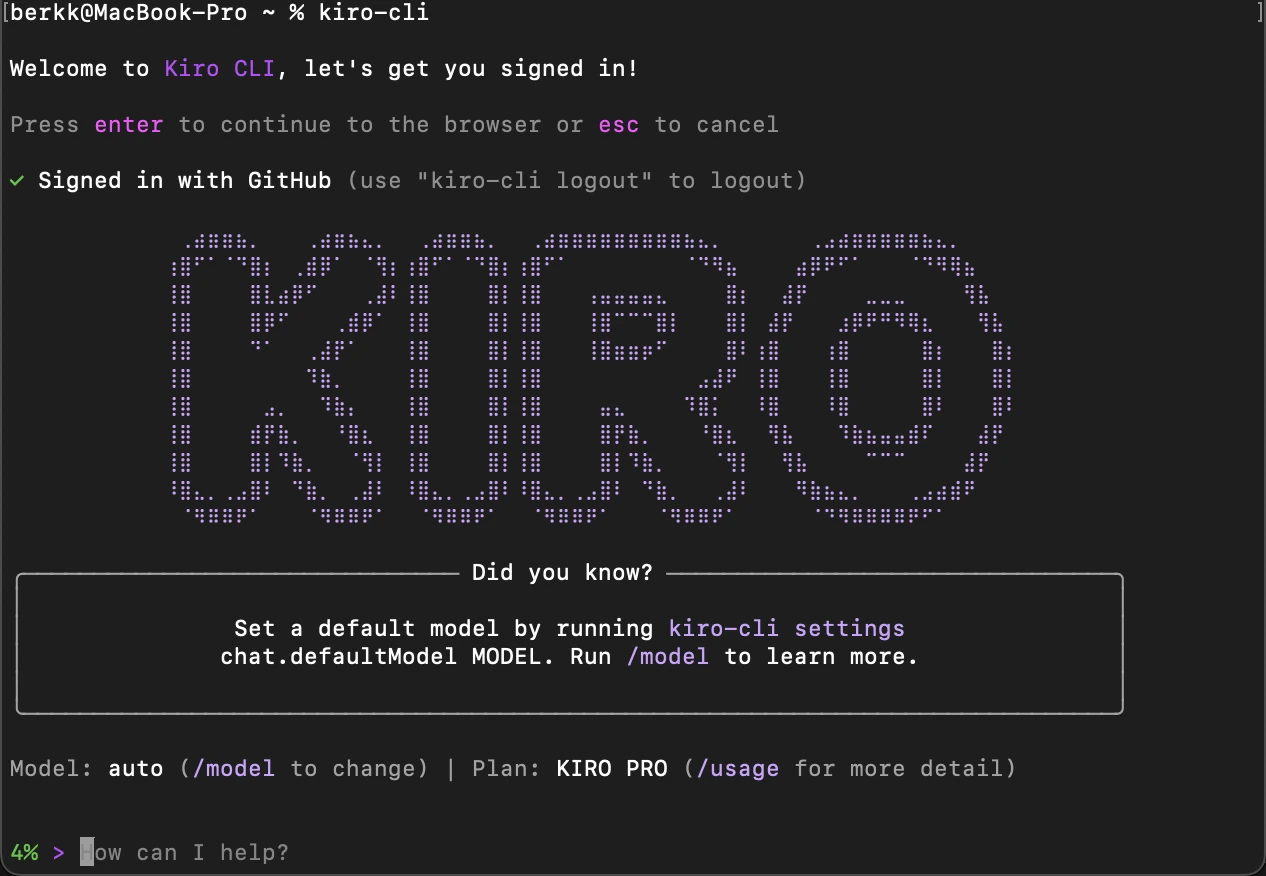
You can continue with your Kiro-Code plan. No provider options available.
Task Report
Kiro is the one agent whose score reflects instability rather than a single design choice. Its 24.4% backend is an average across three reruns that produced three different outcomes. The build itself was sound when it ran; the problem was that it did not run the same way twice.
Backend Behavior
On the first run, Kiro passed nine of sixteen steps, the same profile as the 60% cluster, failing only the assignment and status routes. On the second run it passed two. On the third the backend never came up and even the health check failed. Averaged, this is 24.4%. The instability, not the endpoint design, is what separates Kiro from the cluster here.
UI Behavior
When the backend was up, the frontend passed all eight validation steps. 100% UI. This is a change from the prior run, where the login form failed to render on a 422 at mount.
Claude Code
Installation
For macOS/Linux/WSL, considering your preferred package manager, you can install Claude Code with either:
- curl -fsSL https://claude.ai/install.sh | bash
- npm install -g @anthropic-ai/claude-code
Authentication
After setting up Claude Code, you can continue with your Claude Account. No provider options available.
Task Report
Claude Code scored 60% backend in 379 seconds, in the main cluster. This is a marked improvement over the prior run, where a JWT validation bug returned 401 on every authenticated route and failed 13 of 16 steps. In this run the backend worked; the loss was on the UI.
Backend Behavior
Authentication, ticket CRUD, replies, and data isolation passed. The six failures were the assignment and status-transition steps, routed through a unified update endpoint instead of the spec’s separate paths. Stable across all three reruns.
UI Behavior
The login step failed. The frontend called the backend on localhost:8000 while the page was served from a 127.0.0.1 origin, and the browser blocked the login request under CORS policy. Five steps passed, one failed, two were blocked. 75% UI. Cline failed the same way.
Aider
Installation
If you already have python 3.8-3.13 installed, first, install aider:
- python -m pip install aider-install
- aider-install
Authentication
Login to your OpenRouter account and authorize, or export your API Key in your environment with:
- export OPENROUTER_API_KEY=”sk-or-v1-…”
Task Report
Aider was the fastest agent at 236 seconds and the lightest, with 1.3k input and 18k output tokens. It also scored 13.3% backend. Authentication worked, but ticket creation failed, and every step that needed an existing ticket failed with it.
Backend Behavior
Two steps passed. The build broke at ticket creation, so the customer and agent ticket lists, replies, assignment, status transitions, and role checks all cascaded to failure. Stable across all three reruns. This is a different failure class from the 60% cluster, which created tickets correctly and only missed the assignment and status routes.
UI Behavior
The login step failed under the same CORS origin mismatch seen in claude-code and cline. Five steps passed, one failed, two blocked. 75% UI.
OpenCode
Installation
For macOS/Linux/WSL:
- curl -fsSL https://opencode.ai/install | bash
Install globally with:
- npm i -g opencode-ai
For macOS/Linux, considering your preferred package manager:
- bun add -g opencode-ai
- brew install anomalyco/tap/opencode
- paru -S opencode
Authentication
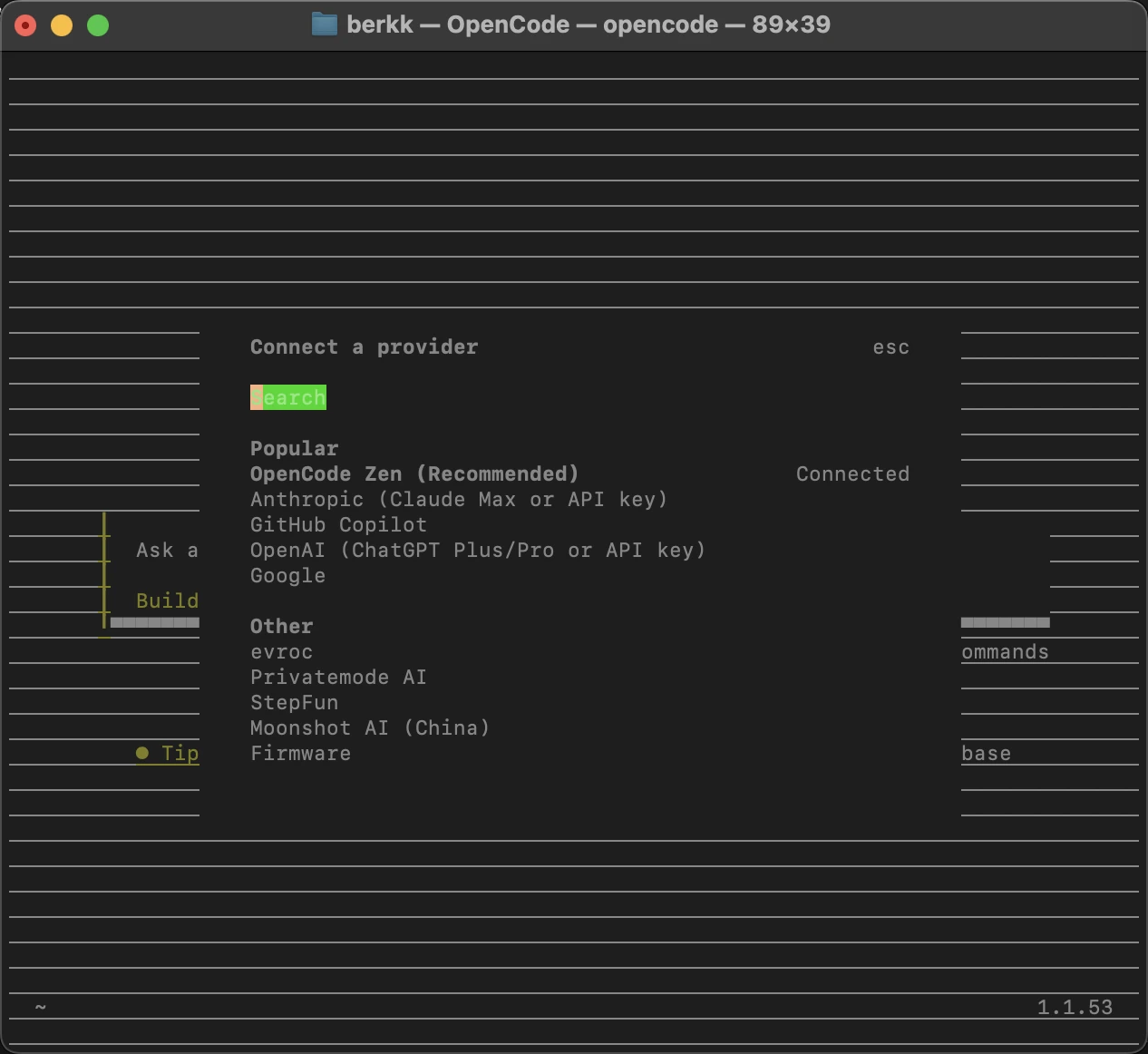
There are lots of provider options, select your desired provider, and authenticate with /connect
Task Report
Opencode leads the overall benchmark, but on Task 6 it scored 60% backend, in the main cluster, in 542 seconds. This is the clearest single piece of model evidence in the article. In the prior native-model run on Gemini 3 Pro Preview, Opencode built the spec’s separate endpoints and scored 93.3% here. The same CLI on Sonnet 4.6 chose the unified endpoint and dropped to 60%. The tool did not change; the model did.
Backend Behavior
Authentication, ticket CRUD, replies, and data isolation passed. The six failures were the assignment and status-transition steps, routed through a unified update endpoint. Stable across all three reruns.
UI Behavior
Frontend passed all eight validation steps. 100% UI.
Grok Build
Installation
For macOS/Linux:
- curl -fsSL https://x.ai/cli/install.sh | bash
Authentication
Sign in with your xAI account on first launch, or set an API key for headless use:
- export XAI_API_KEY=”xai-…”
Task Report
Grok finished second overall in the build benchmark at 75.4% backend. On Task 6 it scored 60% backend in 433 seconds, in the main cluster. In this run Grok reached Sonnet 4.6 through OpenRouter.
Backend Behavior
Nine of sixteen steps passed: authentication, ticket CRUD, replies, and data isolation. The six failures were the assignment and status-transition steps, which targeted /tickets/{id}/assign and /tickets/{id}/status. Grok routed both through a unified update endpoint, so those calls and the role checks that depend on them returned 404. Stable across all three reruns.
UI Behavior
Frontend passed all eight validation steps. Login and post-login state behaved correctly. 100% UI.
Forge
Installation
For macOS/Linux/WSL:
- curl -fsSL https://forgecode.dev/cli | sh
Authentication
Configure your provider credentials interactively by:
- forge provider login
And choose your provider.
Task Report
Forge scored 13.3% backend in 844 seconds. Its output token count is the lowest in the field at 1.6k, which points to a shallow implementation. As in the prior run, the build broke at ticket creation and cascaded.
Backend Behavior
Two steps passed. Ticket creation failed, so the ticket lists, replies, assignment, status transitions, and role checks all failed with it. Stable across all three reruns, the same 13.3% profile as aider and gemini-cli.
UI Behavior
The login step failed under the same CORS origin mismatch seen in claude-code, cline, and aider. Five steps passed, one failed, two blocked. 75% UI.
Gemini CLI
Installation
Run instantly:
- npx @google/gemini-cli
Or install globally:
- npm install -g @google/gemini-cli
- brew install gemini-cli
Authentication
Option 1 (Google OAuth): export GOOGLE_CLOUD_PROJECT=”YOUR_PROJECT_ID” then start gemini.
Option 2 (API key): export GEMINI_API_KEY=”YOUR_API_KEY” then start gemini.
Option 3 (Vertex AI): export GOOGLE_API_KEY + GOOGLE_GENAI_USE_VERTEXAI=true.
Task Report
Gemini CLI scored 13.3% backend in 926 seconds, one of the two slowest agents in the field. Authentication worked, but ticket creation failed and cascaded. Its frontend, which failed entirely in the prior run on a Node 18 versus Vite 7 incompatibility, passed every step this time.
Backend Behavior
Two steps passed. Ticket creation failed, so all dependent steps failed. Stable across all three reruns, the same 13.3% profile as aider and forge.
UI Behavior
Frontend passed all eight validation steps. 100% UI, up from 0% in the prior run. A 401 appeared in the console on an authenticated call, but it did not block the rendered flow.
Cline
Installation
Install globally with:
- npm install -g cline
Authentication
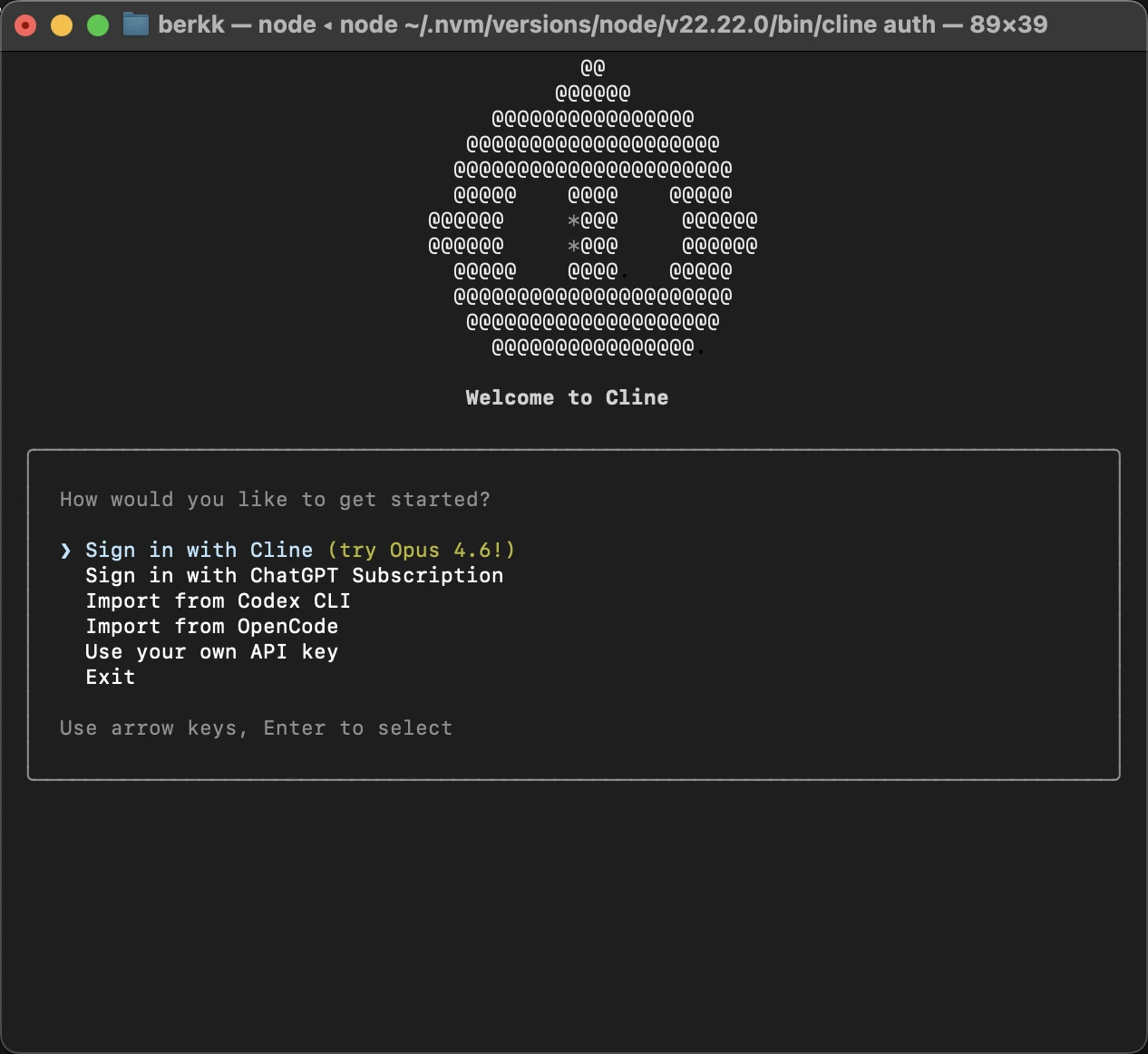
By writing `cline auth` you can select your Cline account or continue with your desired provider.
Task Report
Cline scored 60% backend in 648 seconds, in the main cluster. This is a large change from the prior run, where its eight-error limit terminated the build early and left an empty frontend. Here it completed the full stack.
Backend Behavior
Authentication, ticket CRUD, replies, and data isolation passed. The six failures were the assignment and status-transition steps, routed through a unified update endpoint. Stable across all three reruns.
UI Behavior
The login step failed under the same CORS origin mismatch seen in claude-code, on a 127.0.0.1 page calling a localhost backend. Five steps passed, one failed, two blocked. 75% UI.
Goose
Installation
For macOS/Linux/WSL:
- curl -fsSL https://github.com/block/goose/releases/download/stable/download_cli.sh | bash
Task Report
Goose scored 60% backend in 553 seconds, in the main cluster, but consumed 1.06M input tokens to get there. It completed the full stack this time, a change from the prior run where the frontend directory was left empty.
Backend Behavior
Authentication, ticket CRUD, replies, and data isolation passed. The six failures were the assignment and status-transition steps, routed through a unified update endpoint. Stable across all three reruns.
UI Behavior
Frontend passed all eight validation steps. 100% UI, up from 0% in the prior run.
 Add as preferred source
AI coding tools
AI coding tools can be grouped into three categories:
- Agentic CLI: Tools for terminal-based development workflows, generate, edit and refactor code through prompts and command-line interactions.
- Examples: Aider, Junie, Opencode, Claude Code, Codex
- AI code editors: Also known as agentic IDEs, these tools provides a GUI similar to VS Code (most of them are built on VS Code).
- Examples: Antigravity, Cursor, Kiro Code, Windsurf
- Prompt-to-app builders: Low-code/no-code platforms to build apps using natural language prompts and visual workflows.
- Examples: Bolt, Lovable, v0.dev, Firebase Studio, Dazl
AI code review tools
As AI-generated code becomes more common, code review tools are essential for catching bugs and vulnerabilities. We evaluated the top tools on 309 PRs in our RevEval benchmark.
What can agentic CLI tools do?
Across tools like Codex, Junie, Kiro and Claude Code, common capabilities include:
- End-to-end code work: Create and modify files, fix bugs, refactor code, and run tests or linters directly from the terminal.
- Agentic workflows: Perform multi-step tasks such as task chaining, troubleshooting, search, and iterative debugging.
- Git & project management: Review history, resolve merges, manage branches, and create commits or pull requests.
- Command execution & automation: Run shell commands, automate analyses, and translate natural language into complex CLI operations.
- Deep context handling: Operate on full repositories with awareness of dependencies and project structure.
- Model flexibility: Support multiple cloud and, in some cases, local models; some tools allow using your own API key or choosing between plans.
- Sandboxed or controlled access: Offer modes ranging from read-only to full automation, often with isolated environments for safety.
Methodology
A-CODE-CLI Benchmark
We evaluated agents under a one-shot execution setup to measure autonomous capability without human intervention. Agents were then evaluated using backend and frontend smoke tests to measure infrastructure readiness and behavioral correctness.
Model configuration. All 11 agents ran on Claude Sonnet 4.6 (non-reasoning). Two agents required a proxy to reach this model:
- Codex (OpenAI CLI) cannot point at Anthropic models natively. It was routed through a LiteLLM gateway to OpenRouter/Anthropic, with a cache shim restoring prompt caching. The proxy strips reasoning tokens (capability cost) and adds latency.
- Gemini CLI cannot call Anthropic models natively. It was routed through an SSE shim and LiteLLM gateway. Its auxiliary model calls (loop detection, malformed-tool repair, context compression) fail or return invalid content through the proxy, so it ran without its own safety nets.
Forge required a separate proxy to strip extended thinking blocks from responses, which Forge force-enables and which cause 400 errors when echoed back. All other agents used Sonnet 4.6 directly via their native provider configuration or OpenRouter.
The proxy can only handicap codex and gemini-cli, never inflate them. Their scores are conservative.
Junie co-runs a non-overridable GPT-4.1-mini helper alongside Sonnet 4.6 primary. It is the only agent with a second model active during the build. Its scores carry a multi-model asterisk.
Claude Code ran via user subscription (OAuth). Kiro ran on Kiro-hosted credits (Bedrock-backed, 1.3x multiplier).
No agent had temperature, retry, or reasoning parameters tuned. Each ran its default configuration.
Scoring. Backend: functional smoke (adaptive_avg_step_pass_rate). Frontend: UI smoke via Playwright. Combined: 0.7 × backend + 0.3 × frontend (for agents with complete UI data). Backend score is the primary ranking axis. Frontend performance saturates across the field.
Aider t-3 and t-4. Both tasks produced backends that crashed on startup. Confirmed across two fresh builds (same errors: TypeError on class Card in t-3, AmbiguousForeignKeysError on User.auctions in t-4). Scored 0 with a backend_never_ready flag, not excluded.
For evaluation methodology, visit: AI coding benchmark methodology
CLI versions (June 2026 benchmark run)
Versions read from the benchmark VPS boxes. The build run executed June 5 to 8, 2026.
- Claude Code: 2.1.165
- Cline: 3.0.27
- Codex: 0.140.0
- Aider: 0.86.2
- Gemini CLI: 0.26.0
- Forge: 2.13.11
- Goose: 1.37.0
- Grok: 0.2.54
- Junie: 26.06.01 (build 1831.35)
- Kiro CLI: 2.6.1
- Opencode: 1.17.7
Web research grounding methodology
Two probes: a Unity migration audit (probe 2) and a Next.js/React version audit (probe 3). Each asked the agent to report version, status, and timeline for specified framework features and cite one official URL per claim.
Grading used two parallel methods. Ground-truth gating: a claim scores only if the cited URL appears in the agent’s real fetch log AND the fetched page contains the fact, measured against a verified answer key. Behavioral classification: an LLM judge read each agent’s full transcript and assigned it to one of the four behavioral categories. The behavioral classification is the primary output; the scored accuracy tables will publish after the answer key completes its human anchor review.
Agents with built-in search (Codex, Gemini, Grok) ran on their native models because the task requires their built-in search capability. The remaining eight ran on Claude Sonnet 4.6. N=1.
Context compaction methodology
Agents received approximately 112,000 tokens of filler documents containing 13 invented infrastructure facts. After the agent read the documents and compacted its context, we deleted the source files before asking any questions. Scoring: exact match against 13 invented values, automated by a grading script with one regex per fact. N=3.
Agents that scored 13/13 with files present and 0/13 with files deleted are classified as re-readers. Agents that scored 13/13 with files deleted are classified as true retainers. File deletion rules out re-reading; invented facts rule out training-data recall.
All agents except Codex (GPT-5.5) and Gemini (Gemini 2.5 Pro) ran on Sonnet 4.6. Model used per agent is listed in the results table.
Read more
For those exploring the broader ecosystem of agentic developer tools, here are our latest benchmarks:
- MCP benchmark: A comparison of the top MCP servers for web access.
- Remote browsers: How emerging browser infrastructure enables AI agents to interact with the web securely.
Cite this benchmark
Pick the format that matches where you're publishing. Pasting the link version into your CMS preserves the backlink.
@misc{kalelioglu2026,
  author = {Kalelioğlu, Berk and Dilmegani, Cem},
  title  = {{A-CODE-CLI Bench: Agentic CLI Benchmark}},
  year   = {2026},
  month  = jun,
  howpublished    = {\url{https://aimultiple.com/agentic-cli}},
  note   = {AIMultiple. Retrieved June 29, 2026}
}Results and timestamps of 139 data points. Download the summary data shown in this article's charts and tables as a ZIP file containing 4 CSV files and a README.
Want the granular data behind it? Join Premium
Changelog
21 updatesAdded, a sentence to the introduction, clarifying that all agents ran on the same model.
Updated the Methodology section, providing a more detailed explanation of the model configuration, scoring, and CLI versions used, offering readers a clearer understanding of the experimental setup.
Expanded the benchmark methodology in the introduction, offering a clearer understanding of the testing rigor.
Removed the detailed methodology, reducing the article's length.
Updated the formatting of headings for improved readability and consistency.
Reduced the scope of the benchmark in the introduction, giving readers a more accurate understanding of the evaluation's breadth.
Expanded the Methodology section, providing a detailed account of the evaluation setup, model configurations, and scoring mechanisms for agents.
Updated the introduction, section 'Project pool and model configurations', section 'Functional checklists (browser-side audit)', section 'Example benchmark task: Online education platform dashboard', section 'Project scope & Tech stack', section 'Detailed benchmak results: Kiro vs Gemini CLI Kiro performance (95% success)', section 'As seen above, Kiro delivered a professional-grade UI with a functional search bar, a comprehensive sidebar, interactive progress cards, and a well-structured "Recom
Expanded the 'What are CLI-based coding agents?' section, providing a more detailed explanation of their capabilities and benefits for readers.
Updated the Introduction, providing a clearer overview of the benchmark's scope and methodology.
Added a sentence to the Methodology section, clarifying how CLI tools were prompted for a fairer benchmark.
Reference Links

Cem's work at AIMultiple has been cited by leading global publications including Business Insider, Forbes, Morning Brew, and Washington Post, global firms like Deloitte and HPE, NGOs like World Economic Forum, and supranational organizations like European Commission. [1], [2], [3], [4], [5]
Throughout his career, Cem served as a tech consultant, tech buyer and tech entrepreneur. He advised enterprises on their technology decisions at McKinsey & Company and Altman Solon for more than a decade. He also published a McKinsey report on digitalization.
He led technology strategy and procurement of a telco while reporting to the CEO. He has also led commercial growth of deep tech company Hypatos that reached a 7 digit annual recurring revenue and a 9 digit valuation from 0 within 2 years. Cem's work in Hypatos was covered by leading technology publications like TechCrunch and Business Insider.
Cem regularly speaks at international technology conferences. He graduated from Bogazici University as a computer engineer and holds an MBA from Columbia Business School.





Be the first to comment
Your email address will not be published. All fields are required. Comments are left in their original language.