


OpenClaw Alternatives: Hermes vs ZeroClaw vs Grok Bot

Autonomous AI agents, such as OpenClaw and Hermes agent, automate multi-step tasks that would normally require constant human input. While OpenClaw has become the most widely adopted always-on autonomous agent, many users are seeking alternatives due to its challenging deployment process and complex configuration requirements.
We provide 5 leading OpenClaw alternatives, highlighting their key capabilities and how they differ from OpenClaw’s approach to autonomous task execution.
Review of OpenClaw & top 5 OpenClaw alternatives
Agents | Best fit | OpenRouter Integration | Multi-Provider Support | Multi-agent | Browser automation |
|---|---|---|---|---|---|
OpenClaw | Complex, multi-step workflows across systems | ✓ | 25+ | ✓ | ✓ |
Hermes Agent | Long-running assistants that maintain context | ✓ | 200+ | ✓ | ✓ |
NanoBot | Small, well-defined tasks | ✓ | 11+ | ✕* | ✓ (via MCP) |
ZeroClaw | Simple automation with low overhead | ✓ | 28+ | ✕ | ✓ |
PicoClaw | Constrained environments and simple automation | ✓ | 30+ | ✕ | ✓ (via MCP) |
Grok Bot | Operating web tools that have no API, on a vendor-managed machine | ✕ | None** | ✓ | ✓ |
*NanoBot is not a native multi-agent orchestration, but does have a sub-agent system.
**xAI manages model selection and exposes no model picker.
Ranking: Agents are ranked based on the number of GitHub stars.
- Multi-Provider Support: Enables the agent to connect with and switch between multiple AI model providers (such as OpenAI, Anthropic, Google)
- Multi-agent: Allows multiple specialized agents to collaborate, delegate tasks, and coordinate with each other to solve complex problems together.
- Browser automation: Enables the agent to control a web browser to navigate sites, fill forms, click buttons, and extract data like a human user would.
Overview of OpenClaw
OpenClaw is an open-source AI agent framework designed to automate digital tasks using large language models.1 It goes beyond simple chat interfaces by connecting multiple specialized agents to real tools, systems, and workflows. This allows it to act like a personal AI assistant by performing actions such as sending messages, managing files, running scripts, and interacting with external services.
The system is built around a local “gateway” architecture. This gateway acts as the execution layer between user commands and real-world actions. It connects messaging apps, APIs, and system tools, enabling the agent to operate across multiple channels.
Core agent architecture and capabilities
OpenClaw is not a single monolithic assistant. It is structured as a layered system:
- A local runtime engine that executes agent logic
- A gateway layer that routes requests between interfaces and tools
- A skills system that defines what actions the agent can perform
This design allows OpenClaw to coordinate multiple workflows at once. It can run background tasks, respond to messages, and trigger automated actions across different platforms.
Common uses include:
- Multi-channel task automation (e.g., Slack, Telegram, email)
- Scheduling and cron-based workflows
- File and system-level operations
OpenClaw limitations
- Complex to set up and configure: The system requires technical knowledge, including environment setup and proper configuration of the gateway and skills layer.
- Security model: Because OpenClaw can execute system-level actions and third-party “skills,” misconfigured or malicious extensions can introduce serious risks. Reports have highlighted vulnerabilities in exposed deployments and unsafe skill execution patterns. OpenClaw has been associated with multiple security vulnerabilities, including CVE disclosures that have raised concerns about its suitability for regulated environments.
- Integration options: Connecting OpenClaw to other tools often requires manual work. Some alternatives ship ready-made integrations.
Releases between 2026.3.23 and 2026.4.12 formed the longest security block in its history, covering privilege containment, workspace integrity, and authorization across the skill ecosystem. The design shift was structural: components stopped trusting each other by default, so a compromise in a sandbox, browser, or plugin no longer inherits owner-level scope elsewhere.
Patch pace cuts both ways. Fixes arrive fast, and teams face a steady cycle of evaluating and applying them.
Hermes Agent
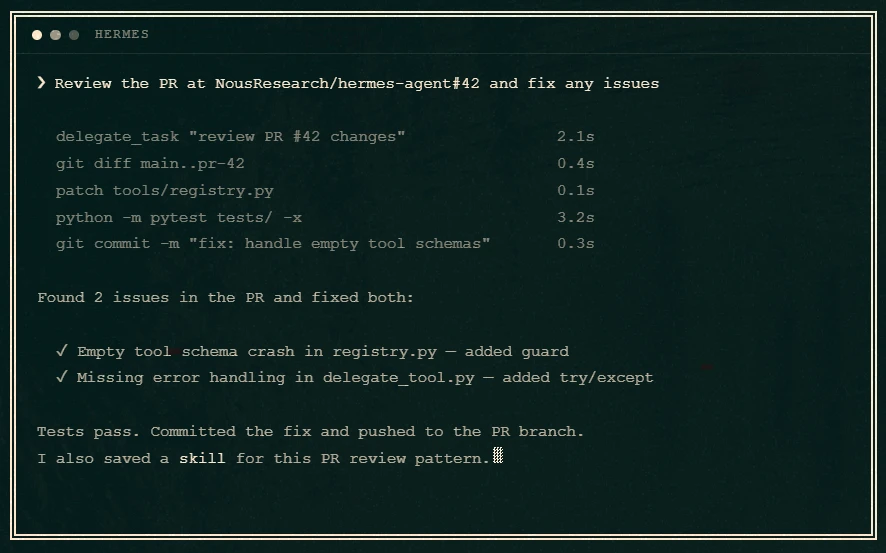
Hermes Agent is an open-source AI agent from Nous Research. Its architecture sits closest to OpenClaw’s among the alternatives.2 Hermes stores memory in three layers. Session context holds the current conversation. A persistent fact store keeps information across restarts. A skills layer holds reusable procedures that the agent wrote itself.
The learning loop works through that third layer.3 After finishing a complex task, Hermes extracts a reusable skill and saves it. A similar task later retrieves that skill instead of rebuilding the approach. Cross-session recall runs through full-text search over past conversations.
Hermes runs across multiple machines. It supports six terminal backends: local, Docker, SSH, Daytona, Singularity, and Modal. The Daytona and Modal options hibernate when idle, which suits agents that sit unused between tasks.
Hermes Bot was merged into Hermes Desktop as a bundled, default-on plugin in August 2026. Each agent profile appears as a named Bot with its own avatar, model pin, skills, and stored conversations, and is stored in a separate profile directory on disk. Two to six Bots can share a room, where one user message triggers up to three serial rounds of replies.
The main difference between OpenClaw and Hermes Agent:
Hermes connects to Atropos, Nous Research’s reinforcement learning framework, which lets the agent train on its own past actions, a process called closed-loop learning.4
NanoBot Agent
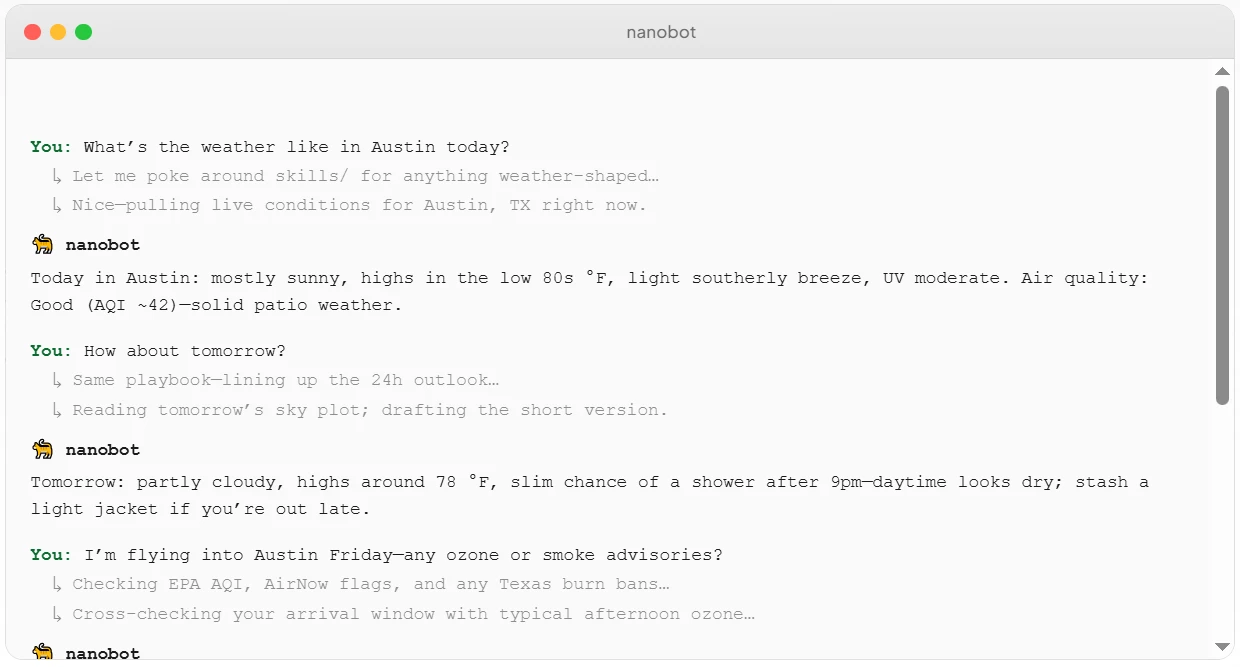
NanoBot is a lightweight Python agent framework.5
NanoBot focuses on connecting language models with external tools through a simple agent loop. It is typically used for automation tasks that require API calls, basic reasoning steps, and tool-based workflows rather than large multi-system orchestration.
The main difference between OpenClaw and NanoBot Agent:
- NanoBot does not focus on deep OS-level control or full desktop automation. It works mainly through APIs, code execution, and tool interfaces.
- NanoBot is built around a single primary agent per task flow, though it does include a sub-agent system that can spawn background helpers for complex tasks without blocking the main conversation. This is closer to delegated sub-tasking than true multi-agent orchestration; native parallel multi-agent execution is still a proposed roadmap item rather than a current capability. Typical use cases include embedded support chatbots, IDE coding assistants, IoT edge deployments, SaaS workflow automation, and internal enterprise operations.6
ZeroClaw
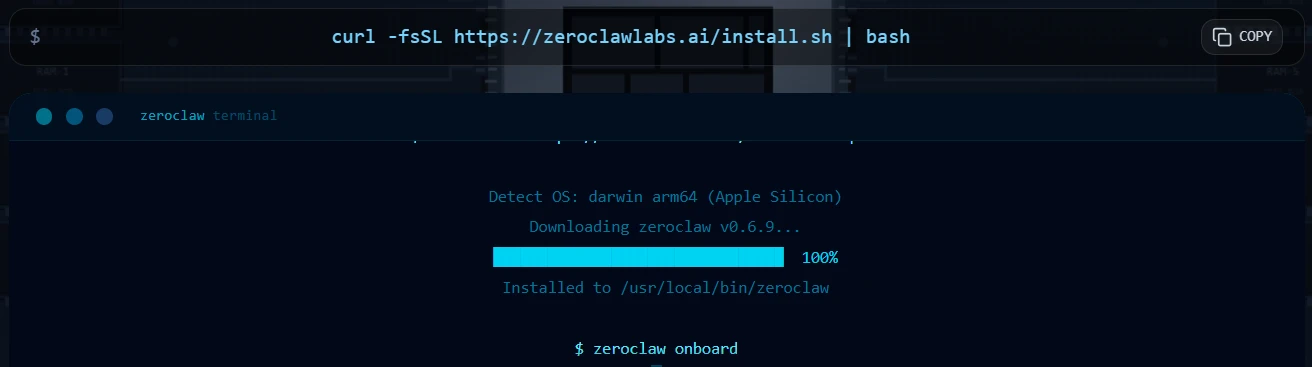
ZeroClaw, written in Rust, is an open-source AI agent framework designed for low-resource environments.7 It is built to run on small machines and lightweight servers. The system focuses on speed, low memory use, and simple execution rather than large-scale orchestration.
The main difference between OpenClaw and ZeroClaw:
- ZeroClaw is designed for use on devices such as small VPS instances, old laptops, and even single-board computers. ZeroClaw focuses on lightweight, persistent assistant use with simple extensibility (e.g., Discord/CLI access, SQLite-based memory, and drop-in skills), rather than OpenClaw’s multi-agent orchestration. This architecture provides ZeroClaw energy efficiency advantage.
- Tasks in ZeroClaw are usually executed in a linear, step-based manner. While designed to be more efficient than traditional “pipeline-based” agents, the core execution model still relies on a sequential “Perceive → Plan → Act → Evaluate → Update” control loop.8
PicoClaw Agent
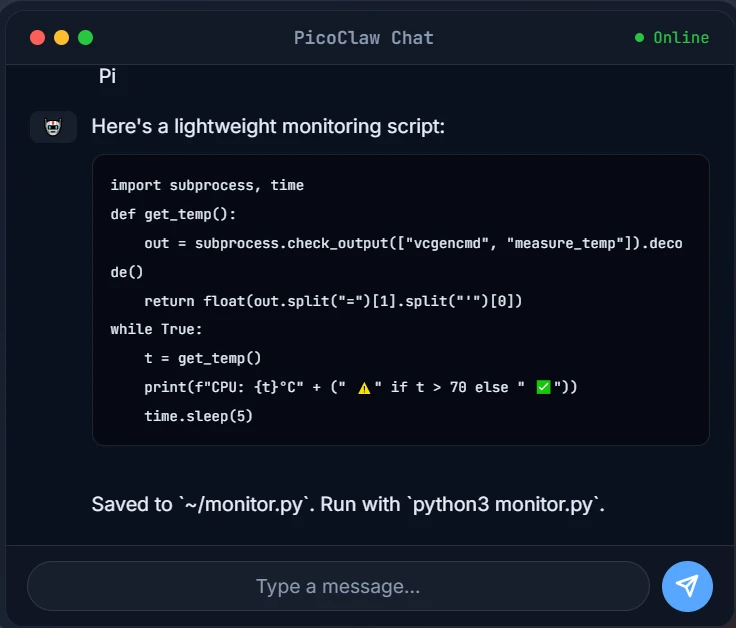
PicoClaw is an open-source AI agent designed for small and resource-constrained environments. It is built to run on low-cost hardware and lightweight systems.9 The focus is on fast startup, low memory use, and simple execution rather than complex automation.
The main difference between OpenClaw and PicoClaw Agent:
- PicoClaw is built for small hardware environments. It can run on low-power devices with limited CPU and memory.
- PicoClaw does not aim to control browsers or desktop interfaces.10 It mainly works through command execution and simple tool calls. Key use cases include personal AI assistants on low-power embedded hardware and privacy-first local deployments where no data should leave the device. Unlike the other alternatives on this list, PicoClaw targets physical environments rather than cloud or desktop workflows.11
Grok Bot
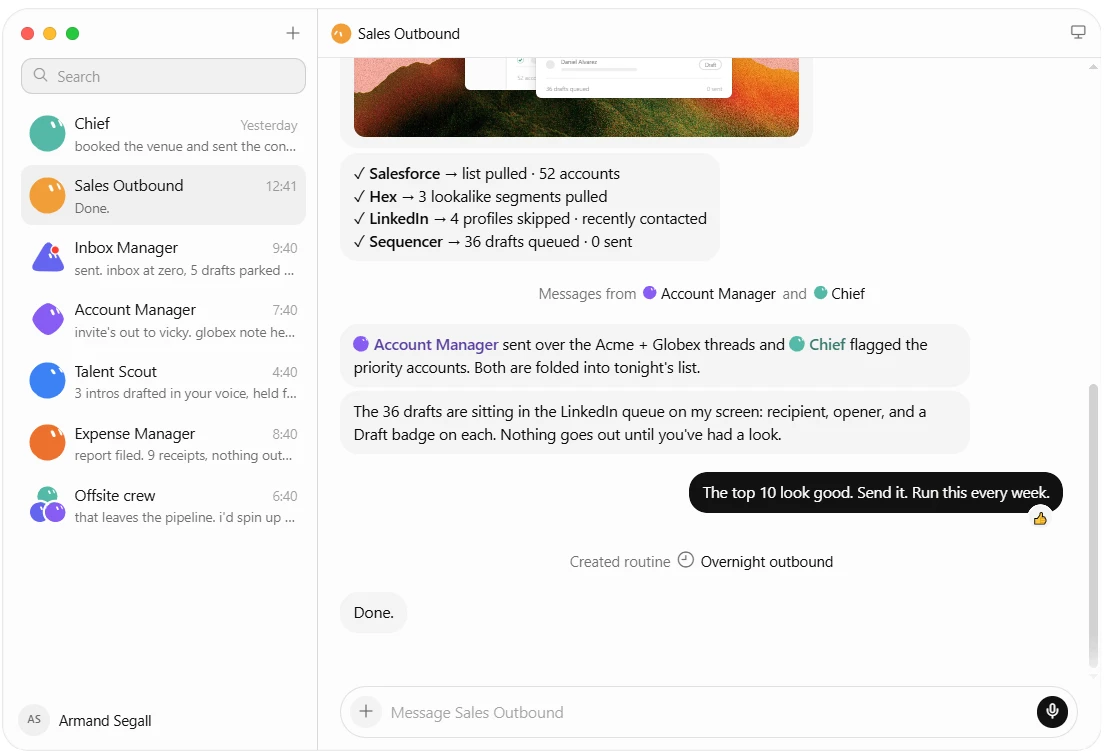
Grok Bot is a proprietary agent product from xAI, released in beta in August 2026. Each Bot is a named agent with a defined role. It signs into web apps and desktop tools on a persistent cloud computer, keeps working after the user’s device is closed, and stops when an action needs approval. Two to six Bots can share a group chat and hand tasks to each other.
The main difference between OpenClaw and Grok Bot:
- Grok Bot runs on a cloud VM operated by xAI rather than a local execution engine. The VM is assigned per account and shared by every Bot on it, including files, browser sessions and logins. xAI’s documentation states that separate Bots should not be treated as a security boundary. Actions on the user’s own machine are a separate setting that defaults to per-command approval.
- Grok Bot is not sold as a standalone product and cannot be run without a subscription. Access is bundled with eligible SuperGrok and Cursor plans, and self-serve Cursor Teams Standard and Premium seats include it.
- Model selection is a product decision rather than a configuration choice. xAI exposes no model picker to users or administrators, and each request routes to a fixed model set for its surface, with automatic failover.
Why do people use autonomous AI agent tools?
Autonomous agents handle repeatable digital tasks with little or no human input. They run scripts, call APIs, and make simple decisions based on rules or prompts. This reduces manual work in routine workflows.
Most teams run these agents on a Virtual Private Server (VPS). A VPS is a rented virtual machine that stays online all the time. It gives agents a stable place to run in the background without relying on a personal device. This setup is common because it is low-cost and easy to scale. For a comparison of common VPS providers and their performance, see our VPS benchmark.
These tools differ in architecture. Some use lightweight scripts. Others use multi-agent systems or more complex orchestration layers. The goal is the same: reduce human effort in repetitive digital work.
Teams adopt these agents to keep processes running without constant supervision. They can operate at any time, respond faster than manual workflows, and lower the risk of missed tasks.
Autonomous agents vs AI agents
AI agents are systems that can perceive input, process information, and take action. Some AI agents run in an assistive mode. These are often called copilots and can serve as personal assistants. They respond to prompts and support users during tasks. A human still guides most steps.
Autonomous agents are a subset of AI agents. Always-on autonomous AI agents can carry out multiple steps in sequence without being prompted each time. They do not wait for approval at every stage. Instead, they continue a workflow once it starts.
Both types can learn from new information and adjust their behavior. The separation is not about intelligence, but about independence.
In simple terms:
- AI agents support work with human direction.
- Autonomous agents execute work with limited or no ongoing input.
How to choose the right custom agents
OpenClaw: A fit for users who need to coordinate complex workflows across multiple systems and channels, such as automating tasks across Slack, Telegram, email, scheduling cron-based jobs, or running file and system-level operations through a multi-agent setup.
Hermes Agent: Suitable for those who want a persistent, long-running assistant that retains context, often deployed on a server or terminal for continuous use cases like ongoing personal task management or assistants that adapt based on past interactions through closed-loop learning.
ZeroClaw: Works well for users running automation on low-resource hardware (small VPS instances, older laptops, or single-board computers) who need a lightweight, persistent assistant for straightforward tasks like Discord/CLI access or simple step-based workflows without heavy orchestration overhead.
NanoBot: A practical choice for narrow, single-task automation built around API calls and tool interfaces, with common applications including embedded customer support chatbots, IDE-based coding assistants, IoT edge deployments, and SaaS workflow automation.
PicoClaw: A fit for users running AI assistants on low-power, resource-constrained hardware, particularly suited for privacy-first local deployments where data stays on the device and use cases involve command execution or simple tool calls rather than browser or desktop control.
Grok Bot: An option for teams paying for SuperGrok Heavy or Cursor Ultra who want role-based agents that operate legacy web tools without an API, and who accept that all Bots on an account share one cloud machine and its credentials.
Further readings
 Add as preferred source
Cite this research
Pick the format that matches where you're publishing. Pasting the link version into your CMS preserves the backlink.
@misc{kalelioglu2026,
  author = {Kalelioğlu, Berk and Arslan, Ezgi},
  title  = {{OpenClaw Alternatives: Hermes vs ZeroClaw vs Grok Bot}},
  year   = {2026},
  month  = sep,
  howpublished    = {\url{https://aimultiple.com/openclaw-alternatives}},
  note   = {AIMultiple. Retrieved September 3, 2026}
}Results and timestamps of 6 data points. Download the summary data shown in this article's charts and tables as a ZIP file containing one CSV file.
Want the granular data behind it? Join Premium
Changelog
4 updatesAdded a Grok Bot section profiling xAI's proprietary cloud-based agent.
Added OpenClaw's 2026.3.23-2026.4.12 security patch history to Integration options.
Updated NanoBot's multi-agent orchestration entry to a sub-agent system in the comparison table and NanoBot section.
Added a "How to choose the right custom agents" section covering individual developers, non-technical users, enterprise teams, and GUI automation.
Reference Links





Be the first to comment
Your email address will not be published. All fields are required. Comments are left in their original language.