


Top 12 UEM Software Compared: Features and Pricing Guide

Unified endpoint management (UEM) software manages Windows, macOS, Linux, iOS, and Android devices from one console. It combines mobile device management (MDM) with client management tasks such as patching, software deployment, and OS imaging.
We list the top UEM software, including key features, pricing, and pros and cons.
Comparing differentiating features
Product | Built-in EDR | Built-in identity / SSO | AI-powered console assistance |
|---|---|---|---|
✕ | ✕ | ✕ | |
Hexnode UEM | ✓ | ✓ | ✓ |
IBM MaaS360 | ✕ | ✕ | ✓ |
Iru | ✓ | ✓ | ✕ |
Ivanti Neurons for UEM | ✕ | ✕ | ✓ |
Jamf Pro | ✓ | ✕ | ✓ |
JumpCloud | ✕ | ✓ | ✓ |
ManageEngine Endpoint Central | ✓ | ✕ | ✕ |
Microsoft Intune | ✓ | ✓ | ✓ |
Omnissa Workspace ONE | ✕ | ✓ | ✕ |
- Vendor-native endpoint detection and response (EDR) refers to an EDR or XDR module developed by the UEM vendor and managed from the same console, whether bundled or sold as a separate license. Third-party integrations do not count.
- Vendor-native identity and single sign-on (SSO) refers to an identity provider (IdP) or directory developed by the UEM vendor, whether bundled or sold as a separate license.
- AI-powered console assistance covers generative AI summarization, policy diagnostics, or script generation accessible within the management console.
Pricing comparison
The table includes pricing per month.
*requires yearly payment and minimum 50 devices
Vendor and product overview
NinjaOne
NinjaOne combines remote monitoring, patch management, endpoint backup, and mobile device management within a single console. The platform supports zero-touch enrollment for Android and Apple devices and offers kiosk mode in single-app and multi-app configurations.
Pricing is per device, with volume discounts as the endpoint count grows. Published ranges run from $1.50 per month at 10,000 endpoints to $3.75 at 50 or fewer endpoints on the commercial.1
Pros:
- Relay extends inventory, patching, reporting, and scanning to endpoints that cannot run the agent directly, and Solaris receives modified support through extended agent support.
- A separate FedRAMP Moderate (Rev 5) instance runs alongside the commercial instance for public-sector customers.
Cons:
- Windows zero-touch provisioning relies on Microsoft Intune and Windows Autopilot, with the NinjaOne agent deployed as an app during setup.2
- Partners who have not opted into a promotional commitment must give 60 days’ notice to cancel.
NinjaOne for unified endpoint management.
Get a Free TrialMicrosoft Intune
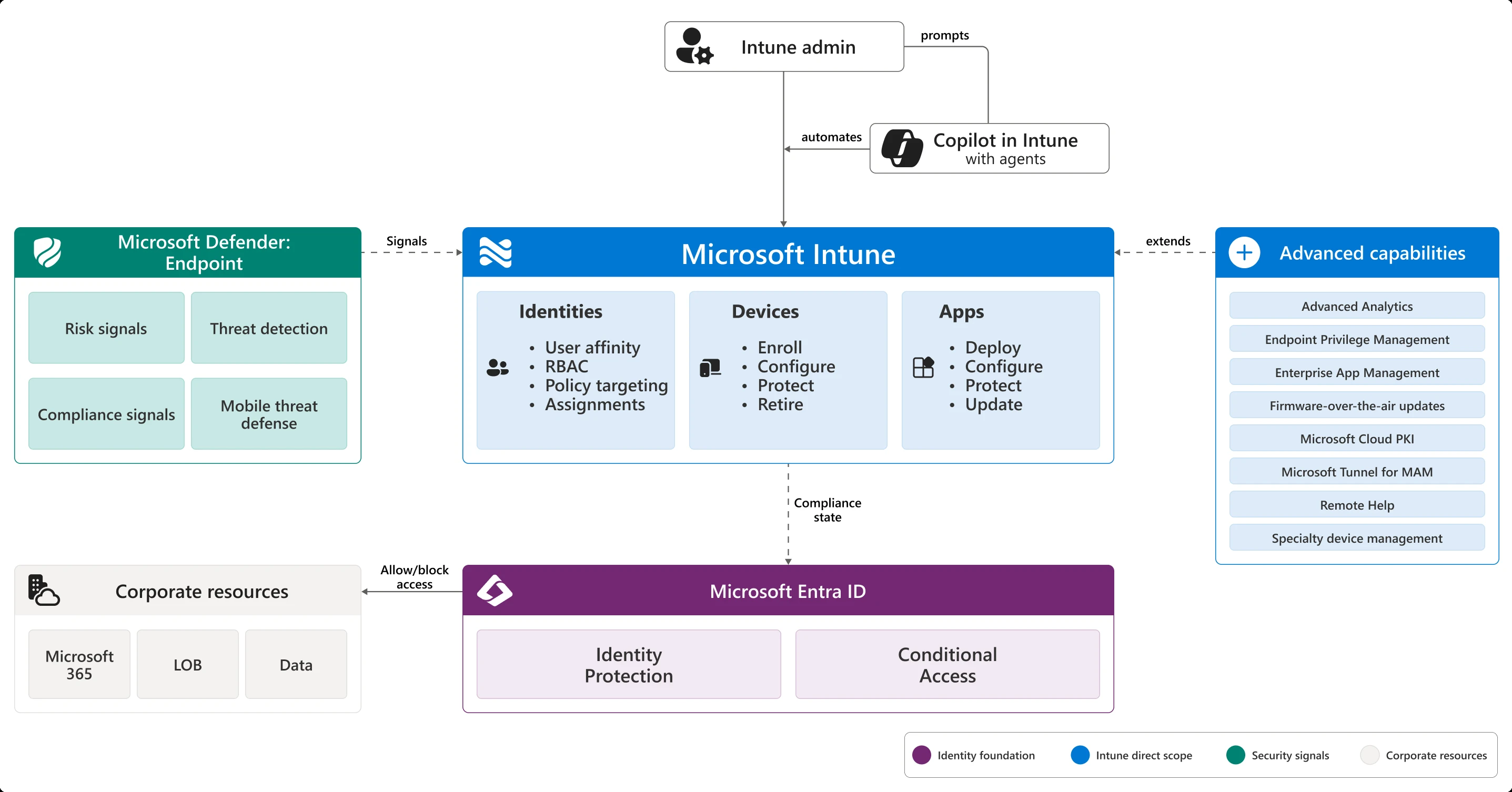
Intune integrates natively with Microsoft Entra ID and Conditional Access, gating resource access on device compliance state without requiring a separate identity platform.
Every administrative action in the Intune admin center is backed by a Microsoft Graph API call, enabling full programmatic management. It supports app-only mobile application management for BYOD scenarios in addition to full MDM enrollment, and it covers Linux alongside Windows, macOS, iOS, Android, tvOS, and visionOS.
Pros:
- Admins can access and manage the Intune admin center without an assigned Intune license on tenants created after July 2021.3
- Most Intune-inclusive licenses also grant rights to Microsoft Configuration Manager.
Cons:
- Device-only licensed devices do not support app protection policies, Conditional Access, or user-based management features such as email and calendaring.
- Unlicensed admin access is capped at 1000 admins per security group, and nested-group members are excluded.
Omnissa Workspace ONE
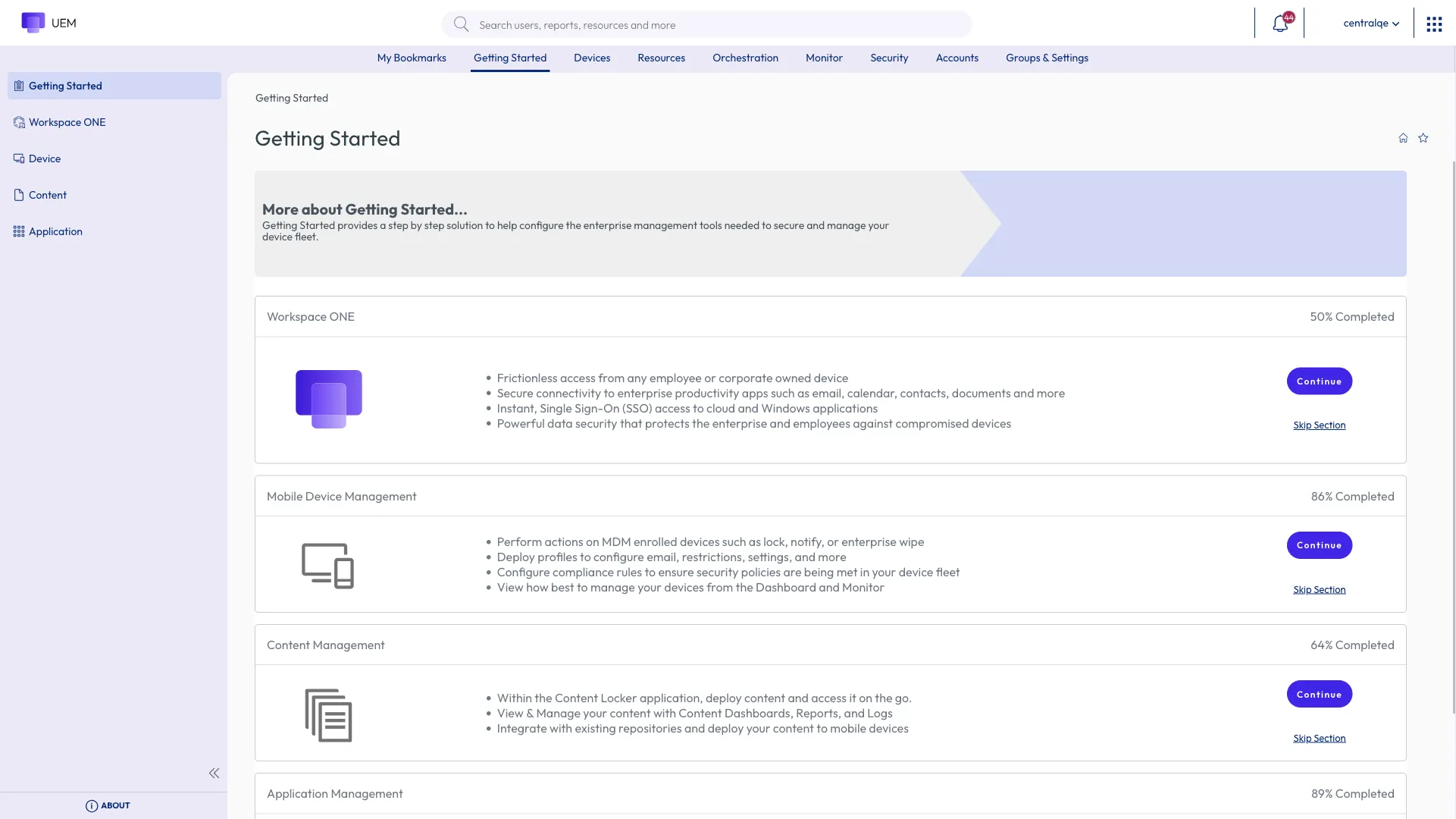
Omnissa Workspace ONE UEM includes Freestyle Orchestrator, a low-code workflow engine for IT automation built on the UEM platform. The product integrates identity, device posture, and application controls with Omnissa Access for SSO, Workspace ONE Tunnel for per-app VPN, and Horizon virtual desktop infrastructure. Workspace ONE is licensed per device or per user.4
Pros:
- Employee Essentials provides a unified app catalog, SSO, and identity access at the lowest tier without requiring full device management.
Cons:
- Default app storage ranges from 25 GB to 500 GB depending on edition, so lower tiers carry materially smaller storage.
- Virtual app support is reserved for the Enterprise edition, while analytics is available in both the Enterprise and Platinum editions.
Ivanti Neurons for UEM
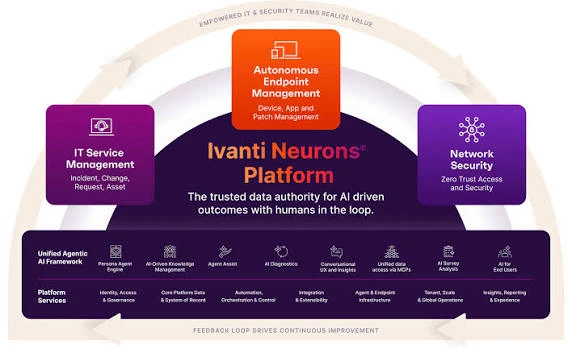
Ivanti Neurons for UEM centers on Autonomous Endpoint Management, an automation layer built natively on a continuously updated real-time device inventory. The platform includes a tech-preview AI-powered diagnostics module that uses large language models and edge sensors to score root-cause likelihood.
Pros:
- Day Zero support for newly released OS versions (macOS 26, iOS 26, iPadOS 26, watchOS 26, visionOS 26, Android 16, Windows 11 25H2) shipped in the Q4 2025 release.
- Enrollment via GPO and expanded eSIM provisioning to Android 15 devices broaden supported enrollment paths.
Cons:
- Non-Persistent VDI Support is explicitly labeled Beta, not yet generally available.
- AI-powered diagnostics and cloud-based OS Imaging are labeled tech preview, not standard fully supported functionality.
ManageEngine Endpoint Central
ManageEngine Endpoint Central combines patch management, software deployment, OS imaging, asset tracking, and security functions within a single agent. The platform tests and deploys patches to more than 1,000 third-party applications alongside OS patches. Four cloud editions and a lower-cost on-premises option are available, with security add-ons such as EDR sold separately.5
Cons:
- EDR, malware protection, and ransomware protection are not included in base editions and require separate add-on SKUs.
- Each plan includes one technician by default. Additional technician licenses are priced separately.
IBM MaaS360
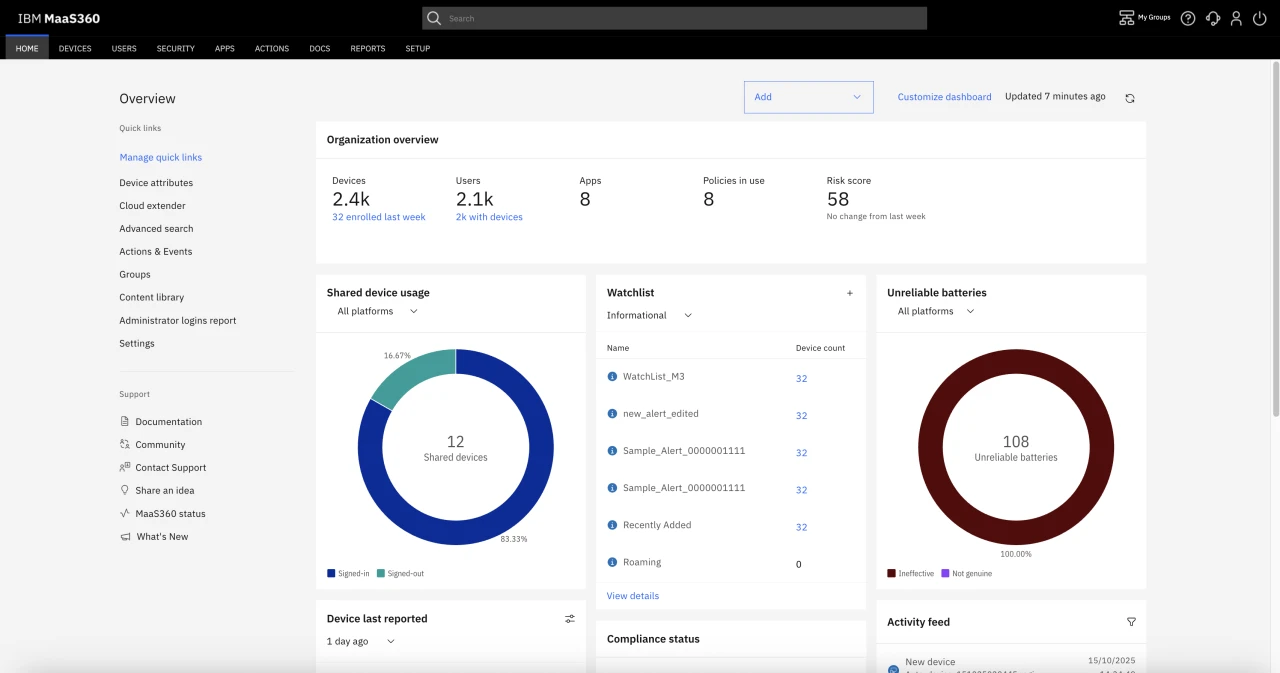
IBM MaaS360 applies Watson AI analytics to threat identification and policy recommendations.Enterprise browser, application security, and protected network access are gated to the Premier tier, while mobile threat management and application patching require the Enterprise tier. Mobile Threat Defense is delivered through a partnership integration with Zimperium.6
Pros:
- A 30-day free trial includes AI/analytics advisor, device and identity management, and app/laptop management.
- Fast Start is priced separately for SMB onboarding at $1.50 per device per month, below the standard Essentials tier.
Cons:
- Content management, enterprise browser, and protected network access are withheld until the Premier tier; mobile threat management and application patching require the top Enterprise tier.
- Mobile Threat Defense and TeamViewer are not included in any published tier and must be purchased as add-ons.
Jamf Pro
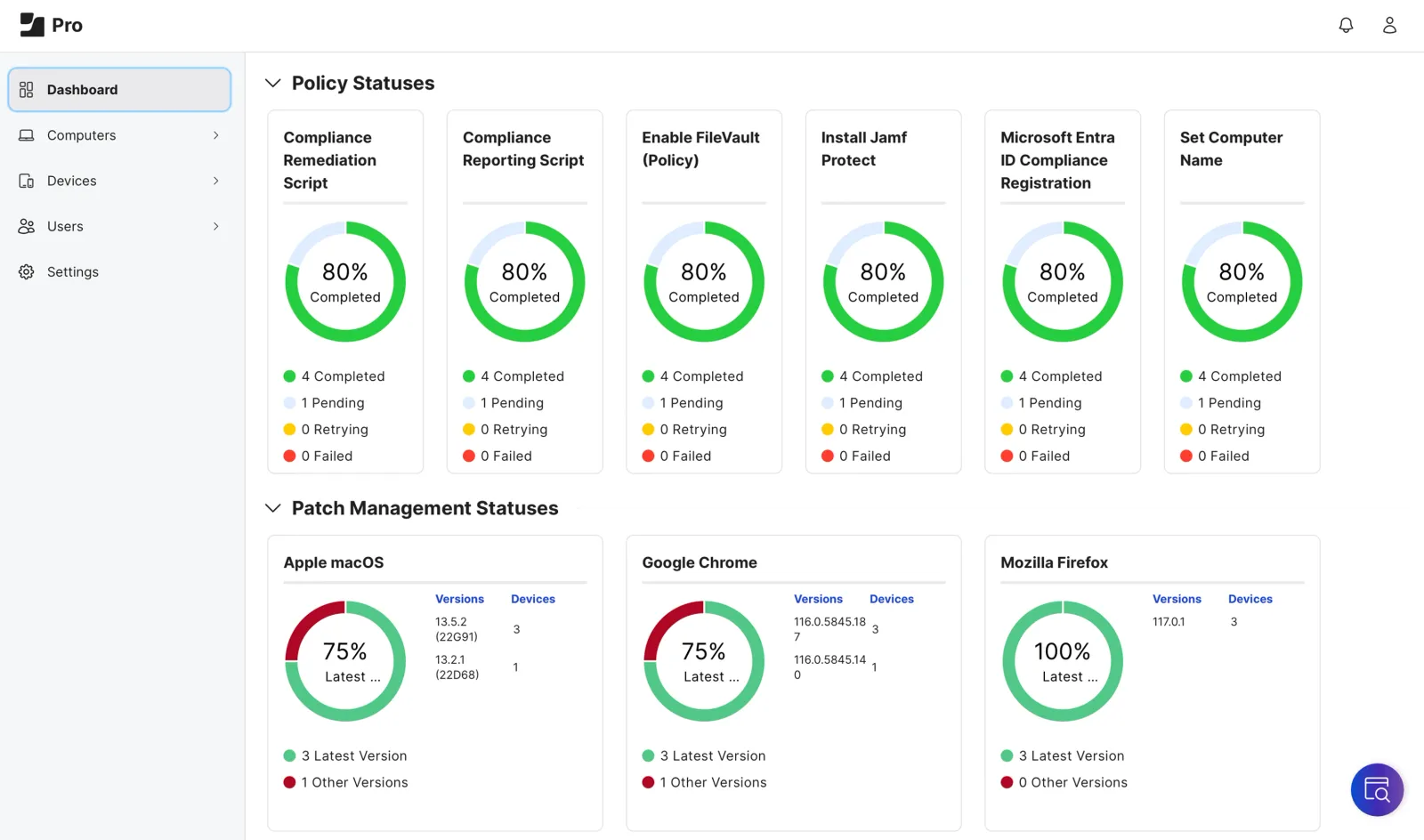
Jamf Pro manages Apple devices through native Apple MDM frameworks and offers Blueprints for declarative device management.7 It is sold within two plans. Jamf for Mac covers macOS and adds Jamf Connect and Jamf Protect. Jamf for Mobile covers iOS, iPadOS, visionOS, watchOS, and tvOS, and adds lightweight Android enrollment through a separate Manager for Android console.8
Pros:
- Bundled with Jamf Connect and Jamf Protect under the Jamf for Mac plan, combining device management, endpoint protection, vulnerability management, and Zero Trust Network Access in one purchase path.
Cons:
- No dollar pricing is disclosed for any Jamf Pro-inclusive plan.
Iru
Iru unifies endpoint management, detection and response, and vulnerability management within a single lightweight agent, while identity authentication and compliance automation share context with it through the platform’s Context Model. The platform offers configuration-as-code as an alternative to point-and-click setup. Following the rebrand from Kandji, technical identifiers remain backward-compatible across API domains and deep links.9
Pros:
- 14-day free trial available for Identity, Endpoint Management, Vulnerability Management, and Endpoint Detection and Response before purchase.
- Free migration and onboarding support included with purchase.
Cons:
- Contracts are annual commitments billed annually, with no disclosed monthly billing option.
- Compliance products are not available for self-service trial and require a personalized demo to explore before purchase.
Hexnode UEM
Hexnode UEM supports a broad range of operating systems, including visionOS, tvOS, Fire OS, and Link OS, alongside standard desktops and mobiles. The platform provides a dedicated multi-tenant MSP mode and native Windows Server 2019, 2022, and 2025 enrollment and remediation.10 A Genie AI module generates PowerShell, Bash, and Python scripts from within the console.
Pros:
- Hexnode also sells XDR and an identity provider (IdP) as separate products, with a Suite bundle that combines them with UEM.
- 14-day free trial with no credit card required and a 10 percent discount for annual billing.
Cons:
- The entry-level Pro tier manages iOS and Android devices. Windows, macOS, and tvOS management starts at the Enterprise tier.11
- Remote view for Windows, macOS, and Linux starts at the Ultimate tier, while desktop remote control requires the top Ultra tier.12
JumpCloud
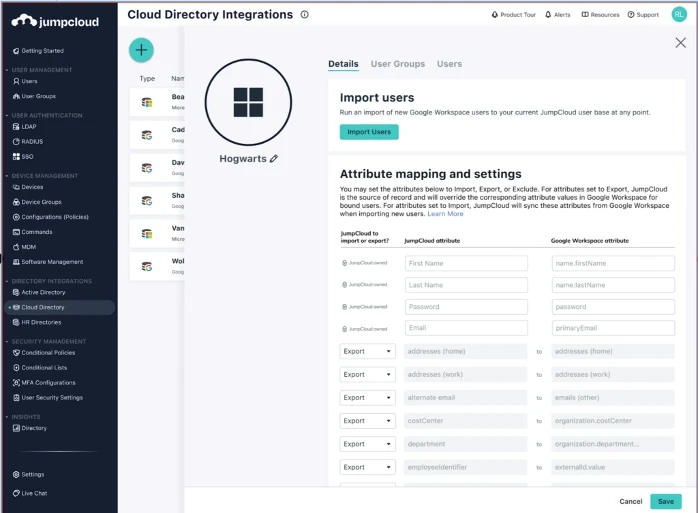
JumpCloud treats device management as one module within a broader cloud directory platform that includes single sign-on, MFA, and password management.13 The product offers a 30-day free trial with full platform access rather than a permanent free tier, and licenses device management or a combined device-and-identity tier on an à la carte basis. A recently added MCP Server allows AI tools to query directory and device data via the Model Context Protocol.14
Pros:
- À la carte licensing allows buying device management or SSO separately.
- An AI Assistant in the Admin Portal, generally available since June 2026, writes scripts, runs device actions, and builds dynamic groups from plain-language instructions.
Cons:
- Platform Essentials is explicitly capped at 300 users.
- Pricing is per user rather than per device. Platform Essentials, Platform, and Platform Prime are quote-based.
SOTI MobiControl
SOTI MobiControl focuses on rugged, dedicated business devices, such as Zebra scanners and Samsung Knox-enabled hardware. The platform offers Firmware Over-the-Air updates for Zebra devices, Samsung Knox E-FOTA firmware version control, and SOTI XTreme Hub for low-bandwidth app and data distribution, available on Premium Plus and Enterprise Plus service tiers.
Pros:
- Shared devices can serve multiple users across shifts, with a personalized experience for each user on the same hardware.
- The 2026.1 release extended SOTI VPN to macOS and added account-driven enrollment for Apple devices.15
Cons:
- SOTI VPN is restricted to customers on the Premium Plus or Enterprise Plus service tiers.
- Pricing is not published, requiring a direct sales quote for cost comparison.
Scalefusion UEM
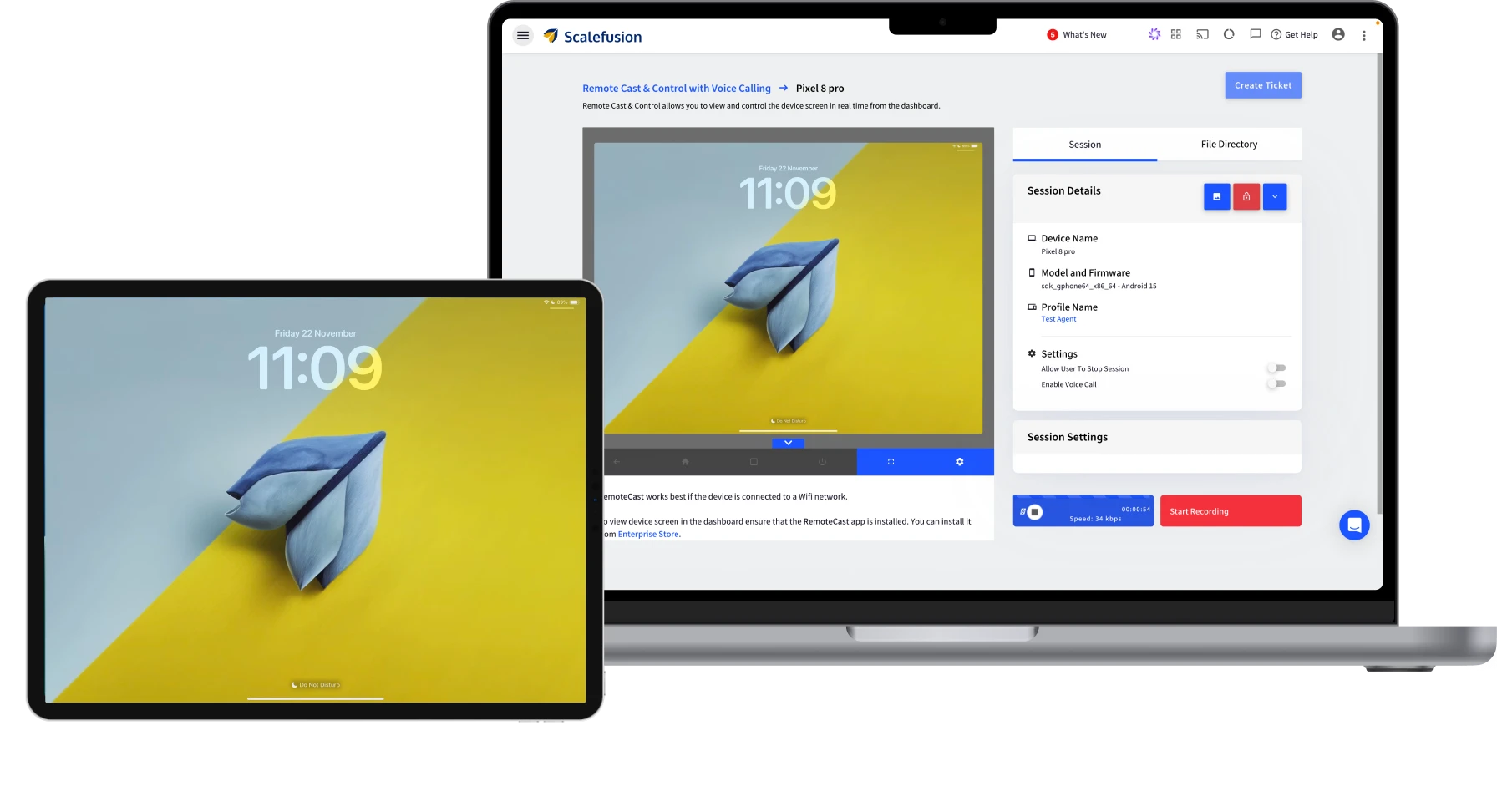
Scalefusion UEM offers Windows Live Terminal, which gives administrators real-time terminal sessions on managed Windows devices without full remote control.16 Cloud, virtual private cloud, or on-premises deployment options are offered.
Pros:
- Scalefusion sells OneIdP for identity and Veltar for endpoint security, bundled with UEM in the 360 Enterprise Suite.17
- Dedicated Zebra device support includes MXConfig remote commands for MX configuration file management.
Cons:
- The Essentials plan manages Android and iOS devices. Desktop operating systems require a higher plan.
- All plans are billed annually and require a minimum of 10 devices.
- Maker-checker approval workflows and AirThink AI script generation are reserved for the Enterprise plan.
Common features across UEM platforms
Every product in this comparison provides a baseline set of MDM capabilities. These common features are excluded from the per-product sections because they are universal.
Cross-platform device enrollment and inventory is supported through native OS management frameworks, including Apple MDM, Android Enterprise, and Windows MDM or Autopilot. Enrollment installs a management profile or certificate that establishes the channel for policy delivery and remote commands.
Remote lock allows administrators to send a command that immediately locks a managed device, requiring a passcode or admin-issued PIN to regain access. This containment step is used before a remote wipe is issued.18
Remote wipe returns a device to factory settings. Selective or corporate wipe removes managed profiles, apps, and corporate data while leaving personal data intact.19
Policy-based configuration profile deployment packages settings such as Wi-Fi, VPN, passcode requirements, and restrictions, then pushes them to enrolled devices without user interaction.20
A compliance policy engine with automated enforcement actions defines rules a device must meet, including encryption status, OS version, and jailbreak or root detection. Noncompliance triggers automated escalation through notifications, selective wipe, or access block.21
Remote application deployment and management lets administrators push, update, and remove applications centrally, including silent installation and blocklist or allowlist controls, without requiring end-user action.22
How to choose a UEM platform
Fleet composition
Apple-heavy fleets now start from a free baseline: since April 2026, Apple Business combines Apple Business Manager, Apple Business Essentials, and Apple Business Connect and includes basic device management at no cost.23 Jamf and Iru add depth beyond that baseline, and Iru has managed Windows and Android since its October 2025 rebrand.
Mixed-OS fleets should verify that the compliance engine recognizes every operating system in the estate. Microsoft Intune device compliance and Conditional Access recognize Windows 10 and later, iOS, Android, macOS, and Linux Ubuntu devices registered in Entra ID.24 Hexnode UEM covers iOS, macOS, Android, Windows, Linux, ChromeOS, Fire OS, visionOS, and tvOS under one policy structure.25 Fleets with rugged or IoT hardware should confirm OEM-specific controls.
Identity and SSO architecture
Six vendors sell their own identity layer. JumpCloud bundles SSO, MFA, and a cloud directory with device management and licenses each module à la carte.13 Iru sells Workforce Identity as a separately licensed module in the same console. Omnissa pairs Workspace ONE with Omnissa Access for SSO. Hexnode sells an IdP as a separate product, and Scalefusion sells OneIdP, which it also bundles in its 360 Enterprise Suite.17 Microsoft pairs Intune with Microsoft Entra ID, licensed separately, for identity and compliance-based access.26 Jamf Pro integrates with third-party SAML 2.0 or OIDC providers but does not provide its own identity store.27
Multi-tenant visibility
MSPs need multi-tenant visibility and per-customer management. NinjaOne is built around this model, with organization and location-level policies and a separate MSP pricing track.28 Hexnode UEM offers a dedicated multi-tenant MSP mode.29 Omnissa Workspace ONE runs on a multitenant architecture and is extending a newer SaaS architecture for MSP partners.30
EDR strategy
EDR strategy decides whether the UEM also serves as the security console or reads threat signals from a separate EDR tool. Five vendors in this comparison offer their own EDR or XDR module. Iru EDR is licensed separately in the Iru console. Jamf Protect is bundled into the Jamf for Mac plan. ManageEngine sells EDR as an Endpoint Central add-on. Hexnode sells XDR as a standalone product or in a Suite bundle with UEM. Microsoft sells Defender for Endpoint, which shares device data with Intune. The remaining vendors integrate with third-party EDR tools.
 Add as preferred source
Further readings
- Endpoint Management Software with Prices
- Endpoint Security Software
- Endpoint Privilege Management (EPM) Software
Cite this research
Pick the format that matches where you're publishing. Pasting the link version into your CMS preserves the backlink.
@misc{arslan2026,
  author = {Arslan, Ezgi},
  title  = {{Top 12 UEM Software Compared: Features and Pricing Guide}},
  year   = {2026},
  month  = oct,
  howpublished    = {\url{https://aimultiple.com/uem-software}},
  note   = {AIMultiple. Retrieved October 1, 2026}
}Results and timestamps of 24 data points. Download the summary data shown in this article's charts and tables as a ZIP file containing 2 CSV files.
Want the granular data behind it? Join Premium
Reference Links







Be the first to comment
Your email address will not be published. All fields are required. Comments are left in their original language.